
Introduction
In modern commercial relocations across Arlington, Virginia, no task carries higher stakes than moving your server room and IT infrastructure. Whether your company is relocating from a high-rise office along Wilson Boulevard in Rosslyn to a tech facility in Ballston, or expanding operations near National Landing, your hardware represents the digital heart of your organization.
A single dropped server rack, damaged fiber cable, or static discharge during transport can trigger catastrophic data loss, extended network outages, and thousands of dollars in emergency hardware repairs. Standard office moving techniques simply do not apply when handling delicate, mission-critical technology.
Safely relocating enterprise IT assets requires specialized equipment, strict environmental controls, disciplined chain-of-custody protocols, and flawless execution. In this comprehensive guide, we detail how to plan and execute a zero-data-loss IT relocation in Northern Virginia.
1. The High Risks of Moving IT Infrastructure
Relocating standard office furniture is straightforward, but moving servers, SAN storage arrays, firewalls, and network switches introduces unique physical and operational vulnerabilities.
● Electrostatic Discharge (ESD): Unprotected hardware transported in standard cardboard boxes can suffer silent semiconductor failure due to static electricity buildup.
● Vibration and Physical Shock: Server hard drives, optical drives, and delicate circuit boards are highly sensitive to road vibrations and sudden physical impacts during transit.
● Thermal Shock: Extreme temperature fluctuations between climate-controlled server rooms and unconditioned moving vehicles can cause internal condensation and hardware shorts.
● Cable and Topology Confusion: Disconnecting complex server racks without meticulous labeling can delay network reconstruction by days.
2. Pre-Move Protocol: Auditing, Mapping & Backups
A successful server room relocation is won or lost long before the first cable is unplugged.
Pre-Move IT Checklist:
✔ Complete full system backups (Cloud + Off-site physical storage)
✔ Map network topology and document all IP configurations
✔ Tag every cable with color-coded source and destination labels
✔ Audit and log serial numbers for all physical hardware assets
Step 1: Execute Full System & Configuration Backups
Before powering down any production server, perform comprehensive backups across local, off-site, and cloud repositories. Verify that restore points are functional and accessible.
Step 2: Conduct a Full Physical & Logical Audit
Catalog every server rack, blade enclosure, switch, UPS battery backup, and patch panel. Record serial numbers, rack unit (U-height) positions, power requirements, and IP addresses to ensure exact replication at the destination site.
Step 3: Color-Coded Cable & Port Mapping
Never rely on memory. Use anti-static, heat-resistant cable tags to label both ends of every power cord, Ethernet line, and fiber patch cable. Document the exact port-to-port connections on a master network sheet.
3. Professional Dismantling & Specialized Packing
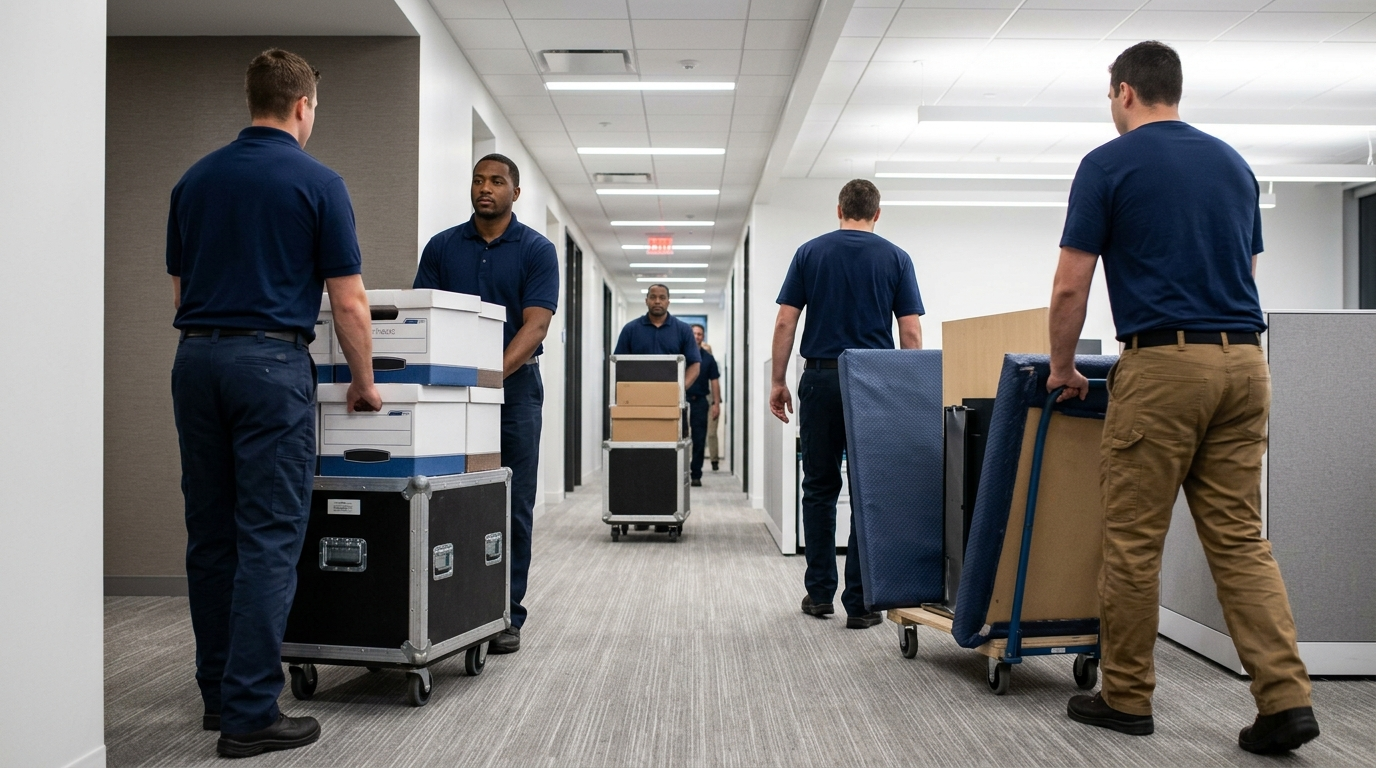
When move day arrives, standard packing materials are prohibited around sensitive electronics. Professional commercial movers utilize specialized protective gear designed exclusively for technology transport.
Anti-Static Wrapping & Padded Computer Gondolas
Every server blade, switch, and desktop tower is individually wrapped in ESD-safe anti-static bubble wrap to prevent electrical discharge. High-value servers are loaded into specialized, air-ride padded computer gondolas or custom anti-static foam crates rather than cardboard boxes.
Air-Ride Suspension Logistics
Transporting delicate hard drive arrays requires vehicles equipped with air-ride suspension systems. Unlike standard spring-suspension trucks, air-ride vehicles absorb road shocks and bridge vibration along Northern Virginia highways like I-66 and Route 50, protecting sensitive drive spindles from physical damage.
Pro Tip: Work with a full-service provider offering specialized Commercial Moving Services in Arlington who understands the strict environmental and safety standards required for high-density IT transport.
4. Destination Setup, Power Verification & Testing
Once the hardware arrives at the new commercial facility, re-installation must follow a disciplined, step-by-step sequence.
Environmental Prep
Verify that the new server room’s dedicated HVAC system, precision climate controls, and raised flooring are fully operational before rolling hardware into the room.
Power & UPS Isolation
Test main power drops and Uninterruptible Power Supply (UPS) units to confirm correct voltage
levels and surge protection prior to mounting server chassis.
Sequential Power-On Sequence
Re-rack servers according to your pre-mapped U-height diagrams. Connect patch cables following your master topology guide, then execute a controlled, sequential power-on process: 1. Core Network Switches & Routers
2. Storage Area Networks (SAN) & Network Attached Storage (NAS)
3. Physical Server Chassis
4. Virtual Machines & Enterprise Software Applications
5. Managing Staging & Short-Term IT Storage
If your new server room construction or fiber line drop experiences unforeseen vendor delays, your hardware must be kept in a secure, climate-controlled environment. By utilizing secure Moving and Storage in Arlington, your high-value tech assets can be staged in a temperature-monitored, surveillance-protected vault facility until your new facility is 100% ready for installation.
Conclusion: Safeguard Your Core Assets
Relocating your server room and IT assets does not have to threaten your business continuity or data integrity. By following disciplined backup procedures, utilizing anti-static packaging, and partnering with an experienced commercial moving team, you can transition your technology smoothly.
At Restorify Moving, we bring precision, security, and specialized care to every commercial technology move in Northern Virginia.
Ready to Plan Your Server Room Relocation?
Contact our commercial move specialists today for a detailed technical consultation and quote!
● Call Direct: +1 (571) 202-7222
● Corporate Location: 3601 Fairfax Dr, Arlington, VA 22201
● Online Quote: Request a Free Quote Online